Share Files Instantly.
No Accounts. No Hassle.
The simple way to send files directly from Google Chrome. Upload, copy your sharing link or 12-digit code, and let someone download your file. It's that easy.
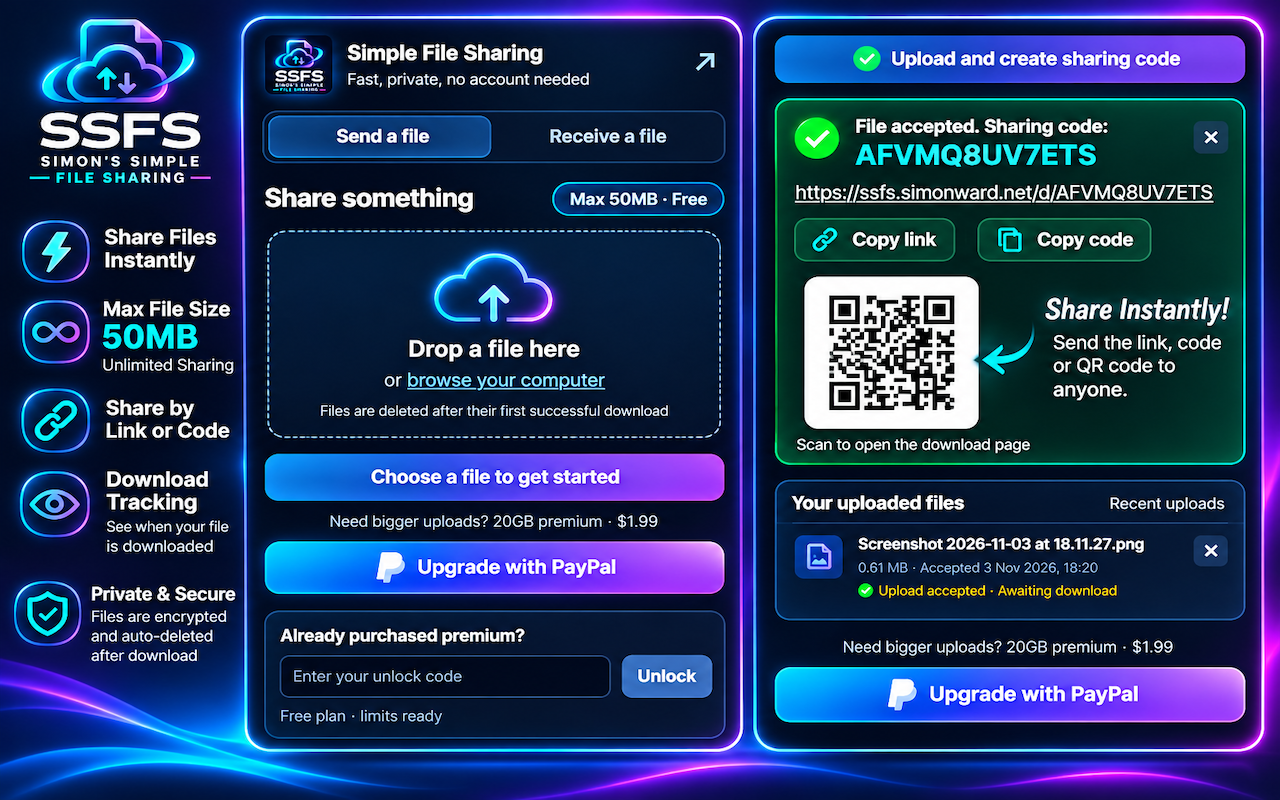
File Sharing Shouldn’t Be Complicated
Forget complicated cloud storage services, lengthy sign-ups and unnecessary steps. SSFS puts straightforward file sharing right inside your Chrome browser.
50MB Maximum File Size – Free
Send individual files up to 50MB per upload on the free plan. There is no limit on how many times you can share files.
Unlimited Free Sharing
Share as many files as you need. The 50MB limit applies to each individual file, not your total number of shares.
Share With a Link or Code
Every upload gets a unique sharing link and a convenient 12-digit download code. Copy whichever is easiest to send.
QR Code Sharing
Get a QR code for your uploaded file. Recipients can scan it to open the download page without typing a long address.
Know When It’s Downloaded
See the status of your uploads and the recorded download time, so you know when your recipient has retrieved the file.
Automatic File Deletion
Files are automatically deleted after their first successful download. No need to remember to clean up old shared files.
See How Simple It Is
Choose a file, upload it and share. Here's what the SSFS experience looks like before and after an upload.
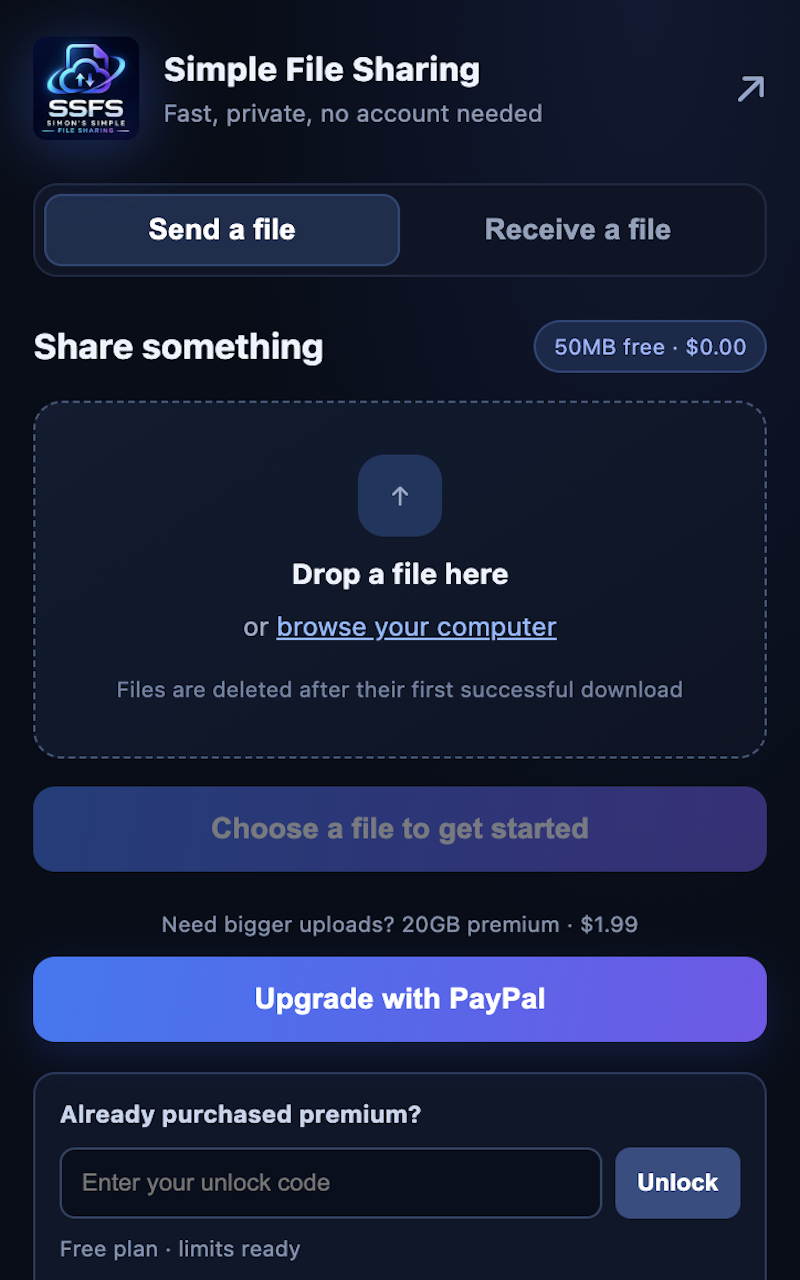
1. Select Your File
Drag and drop a file or browse your computer. Your upload is ready to go in seconds.
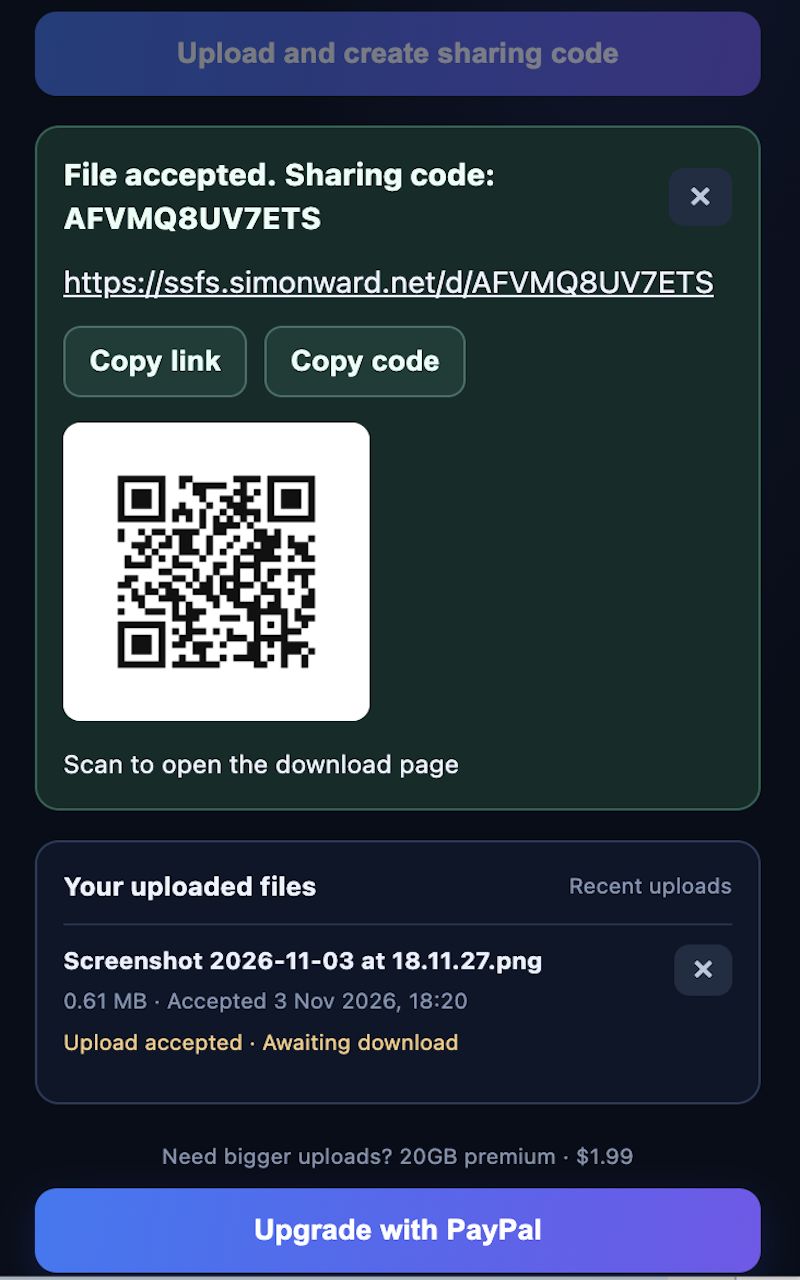
2. Share It Your Way
Once uploaded, copy the sharing link, copy the 12-digit code or let someone scan the QR code.
How SSFS File Sharing Works
No complicated setup. No registration. Just three simple steps.
Choose a File
Open SSFS in Chrome, select the file you want to send or drag it into the upload area.
Copy Your Sharing Details
SSFS creates a unique link, a 12-digit sharing code and a QR code for your upload.
Send It and Track It
Send the details to your recipient. Check your upload status and see when the file is downloaded.
Go Beyond the Free 50MB Limit
The free plan is ideal for everyday file sharing. Need to send larger files? SSFS Premium offers uploads of up to 20GB for a one-time upgrade price displayed in the extension.
GET SSFS FREE ON CHROMEPremium is optional. You can keep using the free plan for unlimited sharing of files up to 50MB each.
Frequently Asked Questions
Everything you need to know about SSFS Simple File Sharing.
Is SSFS free to use?
Yes. The free plan lets you share an unlimited number of files, with a maximum file size of 50MB per upload. Premium is optional for larger uploads.
Does unlimited sharing mean unlimited files?
Yes. There is no limit on the number of free shares you can create. Each individual file can be up to 50MB on the free plan.
How do I share a file?
Upload your file using the Chrome extension. SSFS generates a unique download link, a 12-digit code and a QR code. Send any of these to your recipient.
Does the recipient need the Chrome extension?
No. Recipients can open the download link or visit the SSFS download page and enter the 12-digit code in their browser.
Can I see when someone downloads my file?
Yes. SSFS records the successful download and displays the download status and recorded time in your uploaded files area.
What happens to my file after it is downloaded?
Files are automatically deleted after their first successful download, helping keep your shared files from remaining on the service unnecessarily.
What is the maximum file size?
The free plan supports files up to 50MB each. Premium supports larger uploads, up to 20GB, subject to the plan configured by the service.
Do I need to create an account?
No account registration is required to use the free file-sharing service. Install the extension, upload your file and share the generated details.
Ready to Share Something?
Make file sharing easier. Install SSFS in Chrome and send your first file in moments.
🚀 INSTALL SSFS ON CHROME – FREESSFS – Simon's Simple File Sharing · A simple way to share files online.