PRO ADDON
Theme Creator / Theme Editor
Instant Activation
Theme Creator / Theme Editor
Instant Activation
Theme Creator (Theme Editor Addon)
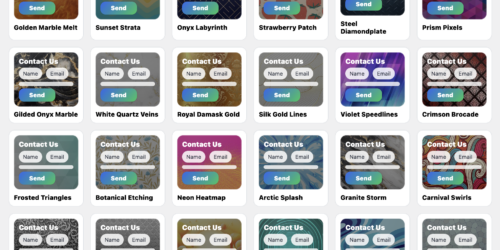
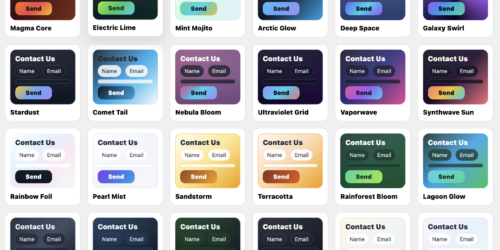
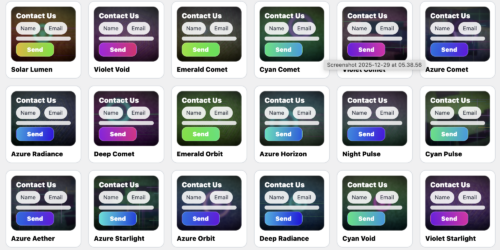
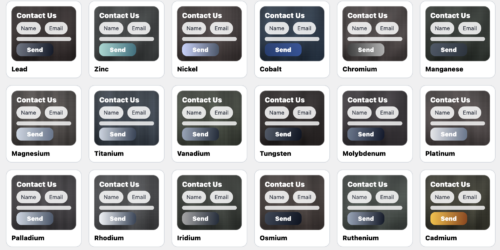
Build stunning, image-backed contact form themes in minutes. Upload a background image, set an overlay for
perfect readability, choose glossy button gradients, then dial in border radius + shadow depth —
and activate instantly from the Theme Editor tab.
Background image upload (Media Library)
Overlay strength slider (readable text on any image)
Button gradient (2 colors)
Border radius + shadow depth controls
One-click activation from thumbnails
What you can customize
Everything you actually need to make themes look premium — without touching CSS.
🖼️
Background image
Upload any Media Library image and use it as the full form background.
🌫️
Overlay strength
Keep labels readable on busy photos with a simple overlay slider.
🎨
Button gradient
Pick two colors for a glossy, modern CTA button.
◼️
Border radius
Round corners for a soft modern feel — or keep it sharp and clean.
🌙
Shadow depth
Add depth so the form sits beautifully above your page background.
⚡
Instant activation
Click a thumbnail → activate instantly from the Theme Editor tab.
Clean editor in admin
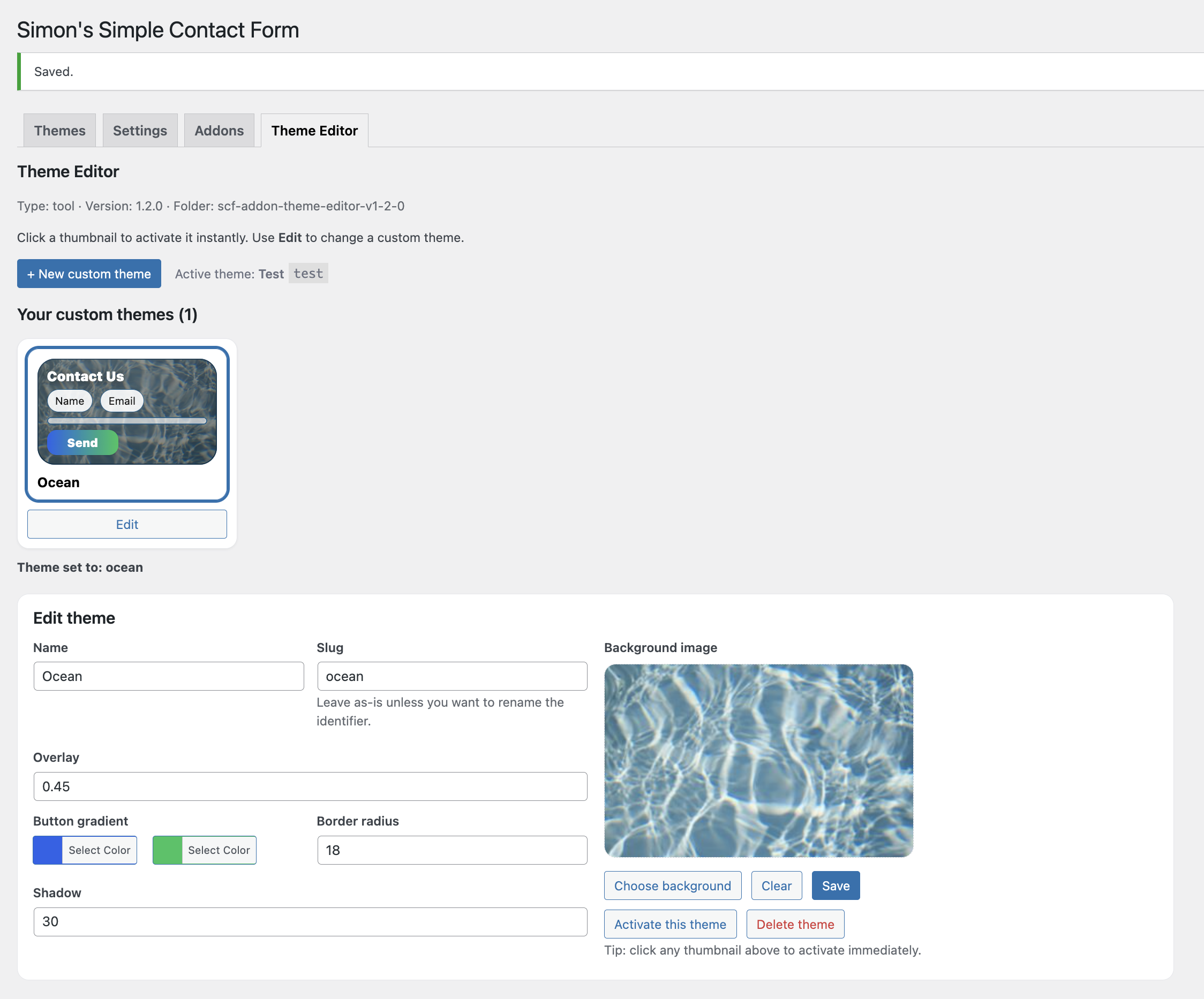
Create and manage custom themes from a dedicated Theme Editor tab. Each theme has its own thumbnail,
with an Edit button — quick, tidy, and built for speed.
- Rename theme (name + slug)
- Upload / change background image
- Overlay, gradients, radius and shadow controls
- Save + activate instantly
Admin Editor Screenshot
Admin
Install in 60 seconds
Upload the addon zip inside the main plugin — then start creating themes.
1 Install the free main plugin
2 Open plugin admin → Addons
3 Upload the Theme Creator addon zip
4 Go to Theme Editor tab
5 Create + activate your custom theme